








Interviews scheduled without the coordination
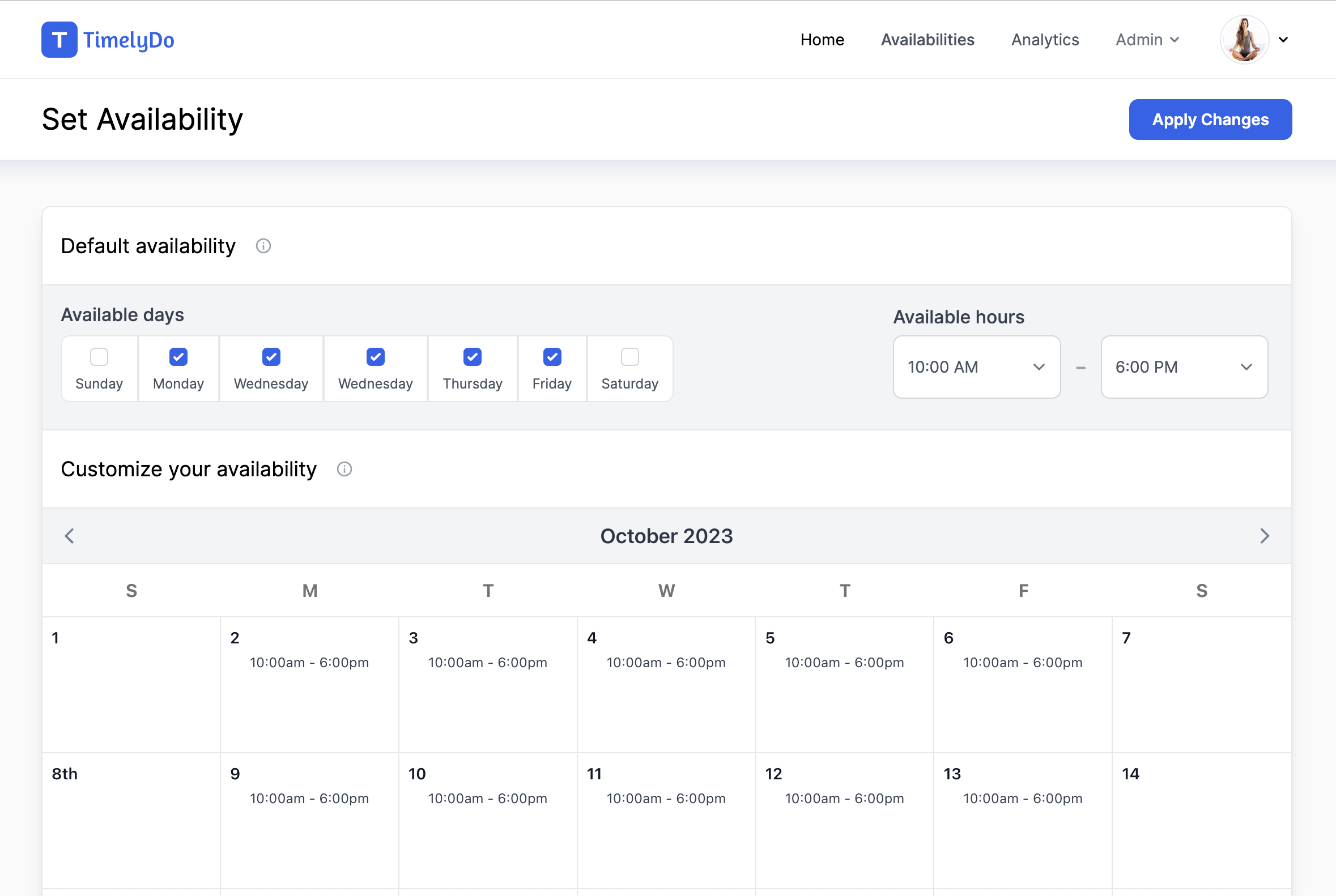
Send one link, let the candidate pick from the times you are actually free, and stop reconciling three calendars in a spreadsheet.
Free for individuals. No card required.
Timezones handled for you
A candidate in another country sees the slot in their own timezone. Nobody joins an hour late.
A stage for every step
Create separate event types for the screen, the technical round, and the final, each with its own length and questions.
Candidate history in one place
Every person who books appears in the attendee directory with the full record of what they booked and when.
The pipeline
One link per stage, not one thread per candidate
Each interview stage gets its own event type with its own duration and intake questions. Send the right link and the candidate does the scheduling, in their timezone, against your real availability.
- A distinct event type for each interview stage
- Screening questions collected before the slot is held
- Candidate reschedules handled without a message to you
- Existing calendar commitments block interview slots
Common questions
How do timezones work for international candidates?
The booking page detects the visitor timezone and shows every slot in it, while your availability stays defined in yours.
Can different interview stages have different lengths?
Yes. Each stage is its own event type with its own duration, location, and questions.
What happens when a candidate cancels?
The slot is released, your calendar updates, and you are notified. No reply needed.
Start taking bookings today
Set up your event types, share one link, and let Timelydo handle the scheduling.
Free for individuals. No card required.